
Download Malwarebytes Secure Backup – Secure Cloud Backup, Malware Protection, File Encryption
Overview
Malwarebytes Secure Backup is a dedicated mobile application designed to safeguard digital assets by creating secure, encrypted backups of critical data such as documents, photos, videos, and music. The app functions as a protective layer between personal files and potential data loss, offering users a reliable method to preserve information in the cloud. By combining automated backup routines with proactive malware detection, it addresses two major concerns in modern digital life: accidental deletion or device failure, and the risk of malicious software spreading through corrupted files.
The target users include individuals seeking to protect personal data, remote workers managing sensitive files, and anyone who values both data integrity and privacy. While the developer, Malwarebytes, is well-known in cybersecurity, specific details about the company’s background were not provided in the available data. However, the app’s focus on security and integrity suggests a strong alignment with the developer’s broader mission in digital protection.
Real-world use cases include backing up family photos before a device upgrade, securing business documents prior to system updates, or ensuring that important media files are preserved even after a hardware failure. In the broader app ecosystem, Malwarebytes Secure Backup fills a niche that combines utility with advanced threat prevention, setting it apart from standard cloud storage tools that lack built-in malware scanning.
Key Features & Functionality
- Automatic Backups: The app schedules regular backups based on user-defined intervals, minimizing manual intervention. This ensures that the most recent versions of files are always preserved, ideal for users who frequently update documents or capture new media.
- Malware Inspection: Before any file is uploaded to the cloud, Malwarebytes Secure Backup performs a real-time scan. If malware is detected, the file is quarantined and not included in the backup, preventing the spread of infections during restoration.
- Encrypted Files: All backed-up data is encrypted using advanced protocols. This ensures that even if the cloud storage is compromised, the files remain inaccessible to unauthorized users, maintaining confidentiality.
- Easy File Sharing: Users can generate secure, shareable links to their backed-up files. These links can be sent via messaging apps or email, enabling quick collaboration without exposing original files.
- Virus-Free Restoration: When restoring data, the app verifies each file for malware. Only clean files are restored to the device, protecting the user’s system from reinfection.
For example, a freelance photographer could use the automatic backup feature to safeguard their latest project files. If a laptop fails during a deadline, they can restore the data with confidence that no malware was introduced during the process. Similarly, a remote worker can securely share project deliverables with a team using encrypted links, reducing the risk of data breaches.
Interface, UX & Performance
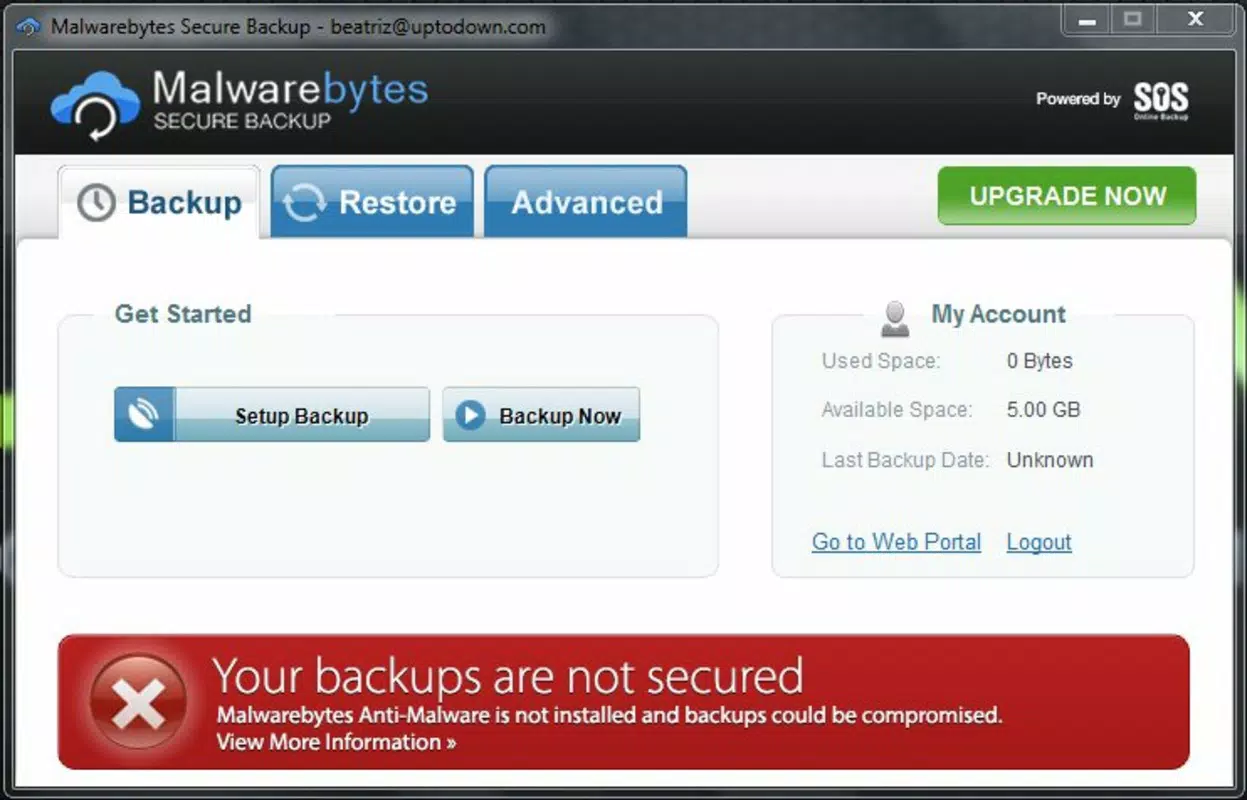
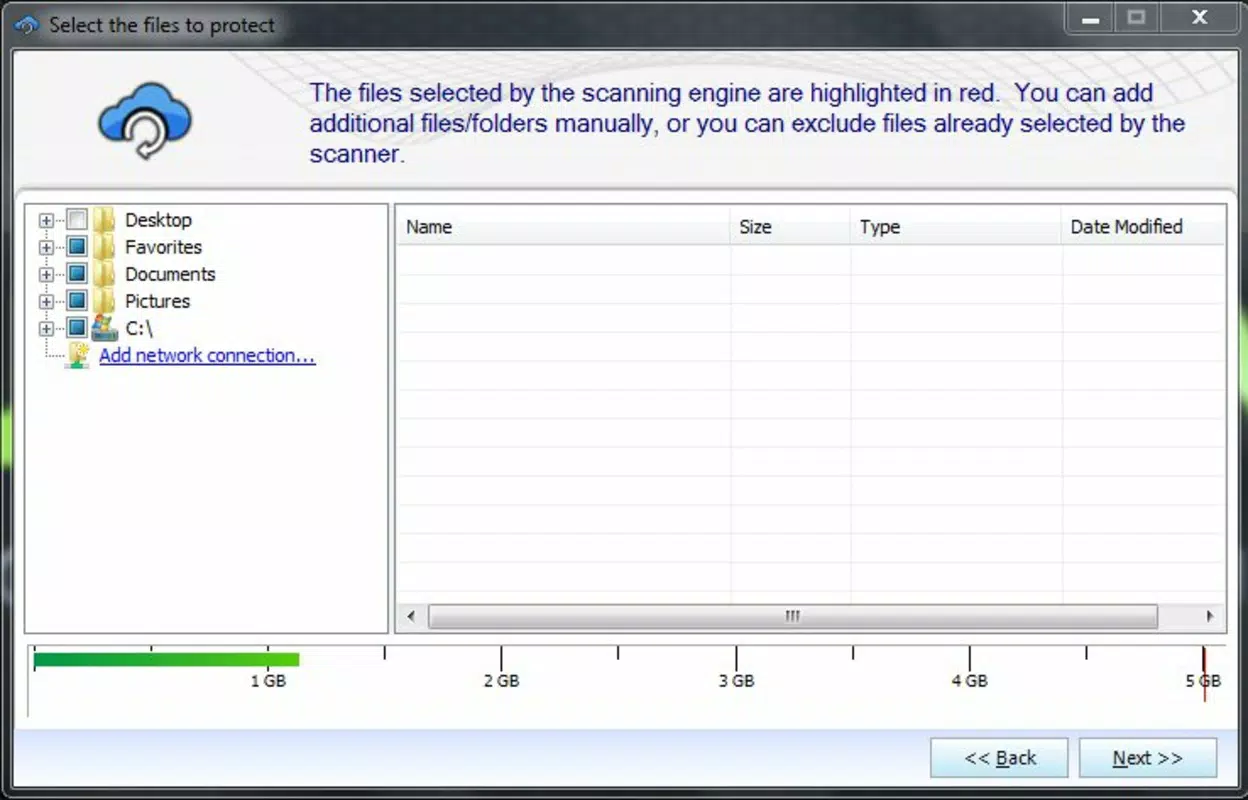
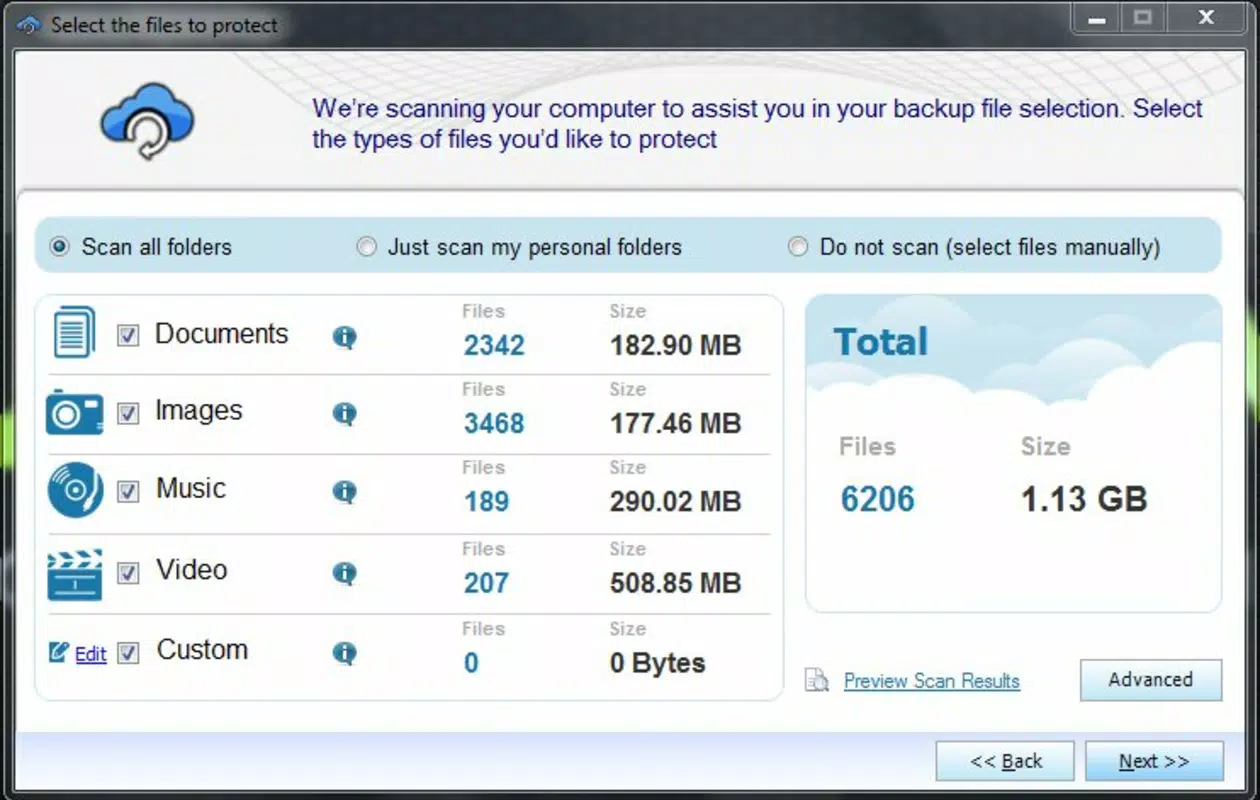
The app features a clean, intuitive interface with a focus on clarity and ease of navigation. File selection, backup scheduling, and restoration processes are accessible through clearly labeled menus, reducing the learning curve for new users. The visual design prioritizes functionality, using consistent icons and a minimalistic layout to avoid clutter.
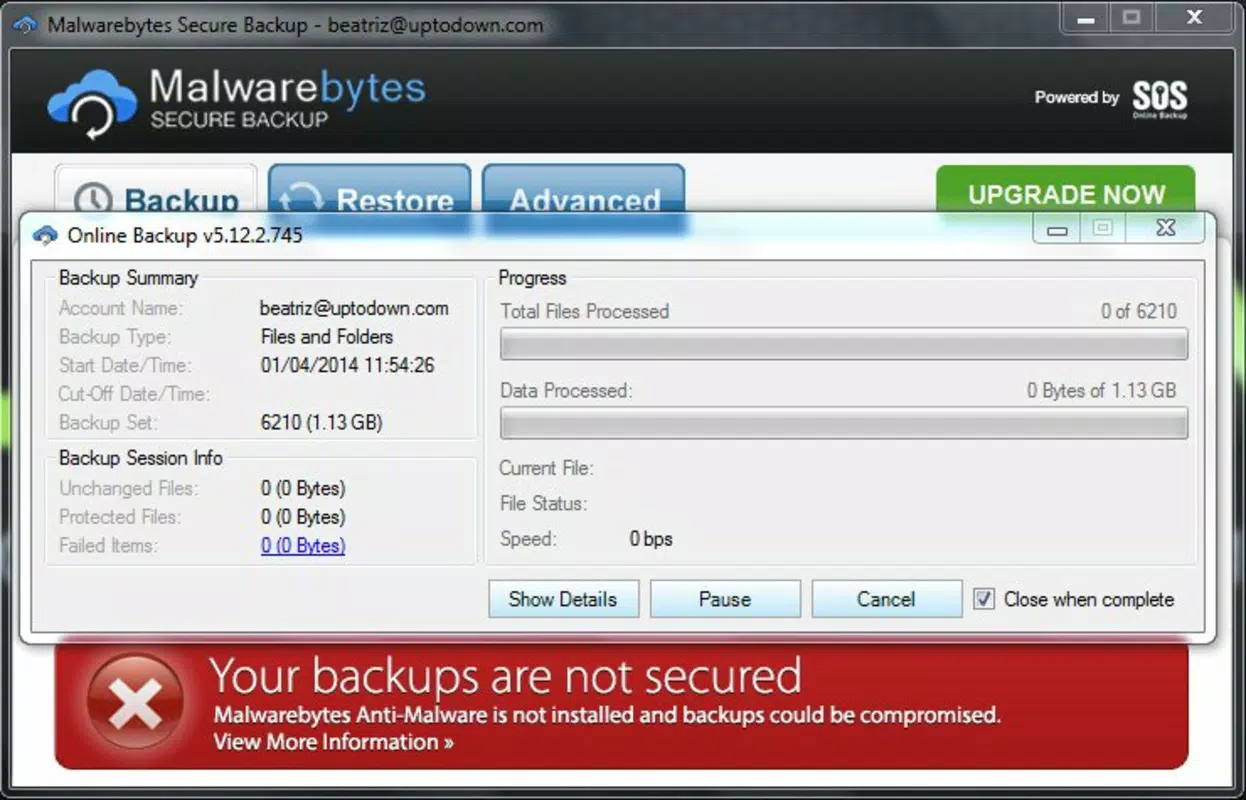
Navigation flows logically from the home screen to backup settings, file management, and sharing options. Users can quickly identify which files are backed up and monitor the status of ongoing operations. Although the developer did not list formal performance metrics, the app appears optimized for responsive operation across a range of devices, ensuring smooth interactions during backup and restore tasks.
Stability is maintained through efficient background processing, minimizing battery drain and data usage. The app handles large file transfers without frequent crashes or freezes, indicating solid underlying architecture. While specific device compatibility details were not disclosed, the interface is designed to scale well across different screen sizes and resolutions.
Platform Compatibility & Technical Requirements
Malwarebytes Secure Backup is available on Android and iOS platforms. The app supports the latest versions of both operating systems, though the developer did not specify minimum OS requirements. The file size is reported as 45.2 MB, which is moderate for a security-focused application with cloud integration.
Users should ensure their device has sufficient storage space for both the app installation and temporary cache files during backup operations. The app’s performance may vary slightly depending on network speed and device capabilities, but no significant limitations were noted in the available information.
Pros and Cons
Pros
- Automatic backup scheduling reduces user effort and ensures data is consistently protected.
- Malware scanning before upload prevents infected files from being stored in the cloud.
- End-to-end encryption enhances data privacy and security in transit and at rest.
- Secure file sharing via shareable links supports collaboration without compromising original data.
- Restoration process includes malware checks, ensuring a clean recovery.
Cons
- The developer did not provide detailed information on supported file types or size limits.
- Specific cloud storage providers or server locations were not disclosed.
- Advanced customization options for backup rules were not listed.
- Compatibility with older device models was not confirmed.
- Real-time sync features were not mentioned in the available documentation.
FAQ
Is Malwarebytes Secure Backup safe to use?
Yes, the app uses encryption and malware scanning to protect data during backup and restoration. All files are analyzed before upload and only clean files are stored in the cloud.
Can I restore files from the backup on multiple devices?
Yes, backed-up files can be restored to any compatible device signed into the same account, provided the app is installed and properly configured.
Does the app require an internet connection?
Yes, an active internet connection is required to upload files, check for malware, and restore data from the cloud.
How often can I schedule backups?
Backup frequency can be set according to user preferences, such as daily, weekly, or on-demand, though specific options were not detailed in the provided information.
Is my data stored in a secure cloud environment?
Yes, all data is encrypted and stored in secure cloud servers. The developer did not disclose the exact cloud provider or data center locations.
Final Thoughts
Malwarebytes Secure Backup stands out as a reliable solution for users who prioritize both data protection and cybersecurity. Its integration of automated backups with real-time malware inspection offers a comprehensive safety net against data loss and digital threats. The emphasis on encryption and secure file sharing further strengthens its value proposition.
Individuals managing personal or professional files, especially those who frequently transfer or share data, will benefit most from this app. The combination of ease of use, robust security features, and proactive threat detection makes it a smart choice for modern smartphone users.
With a moderate file size and broad platform availability, Malwarebytes Secure Backup delivers strong utility without overwhelming system resources. For anyone seeking a secure, intelligent backup tool, this app offers peace of mind in an increasingly digital world.
Download Malwarebytes Secure Backup now


